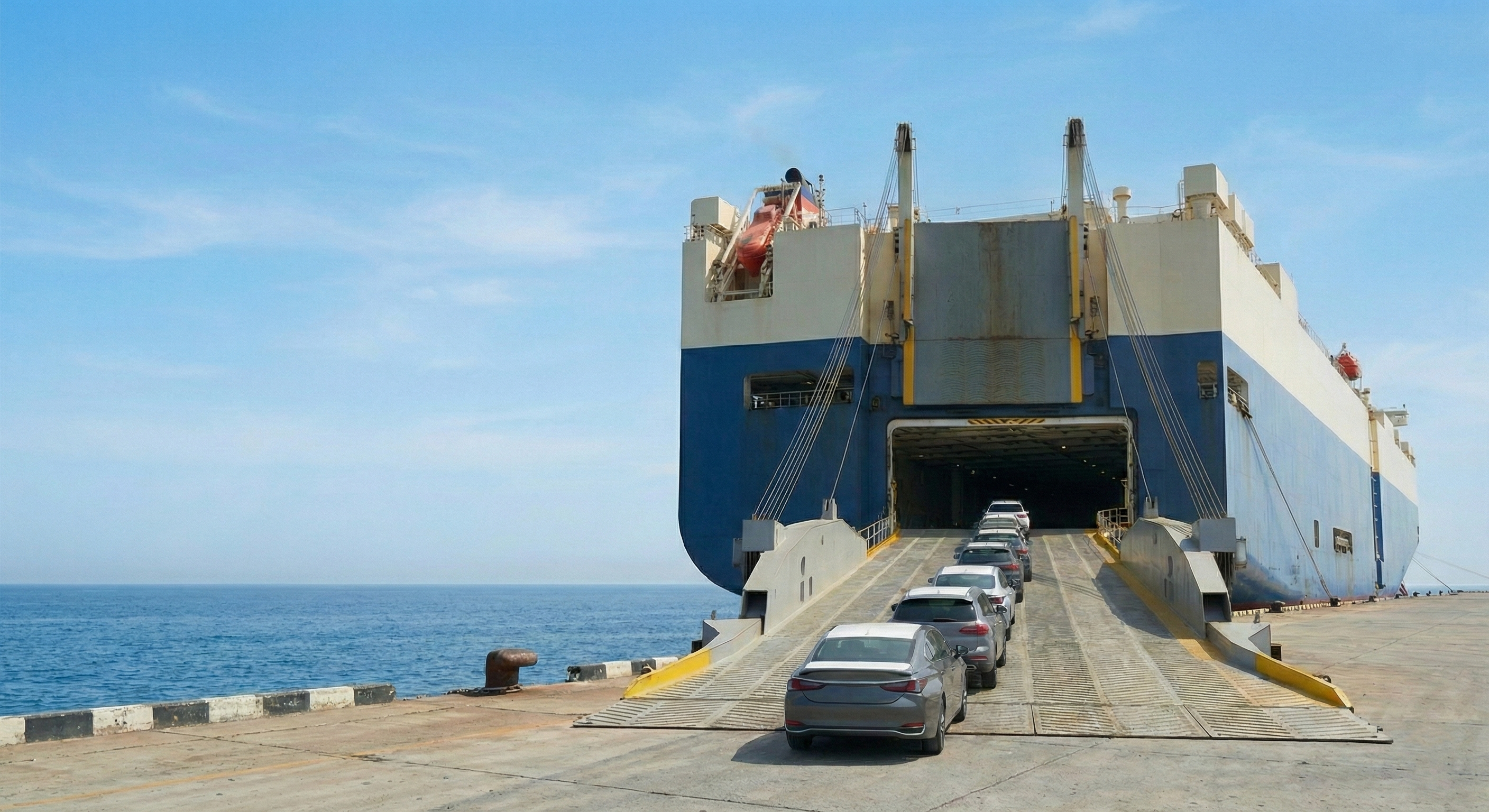
Follow this simple guide to access your Shipping Schedule, B/L, and Invoice instantly.
No need to wait for our reply.
See the vessel schedule immediately.
You can download
・B/L Copy
・Commercial Invoice
・Export Certificate (EN / JP) etc.
instantly once ready.
Everything is stored in "Purchase History".
One click to see all details.
If you have purchased a car, you already have an account.
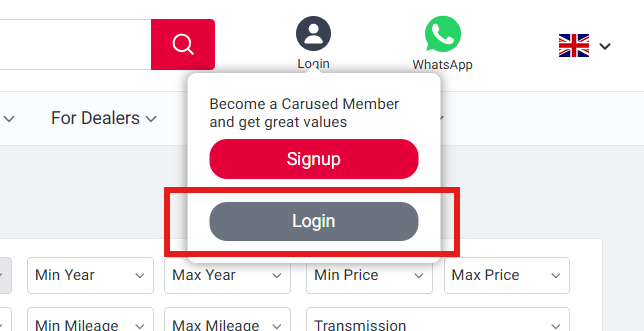
Click the grey "Login" button below (not the red Signup button).
Go to carused.jp. You will see a "Login" button at the top right corner of the screen.
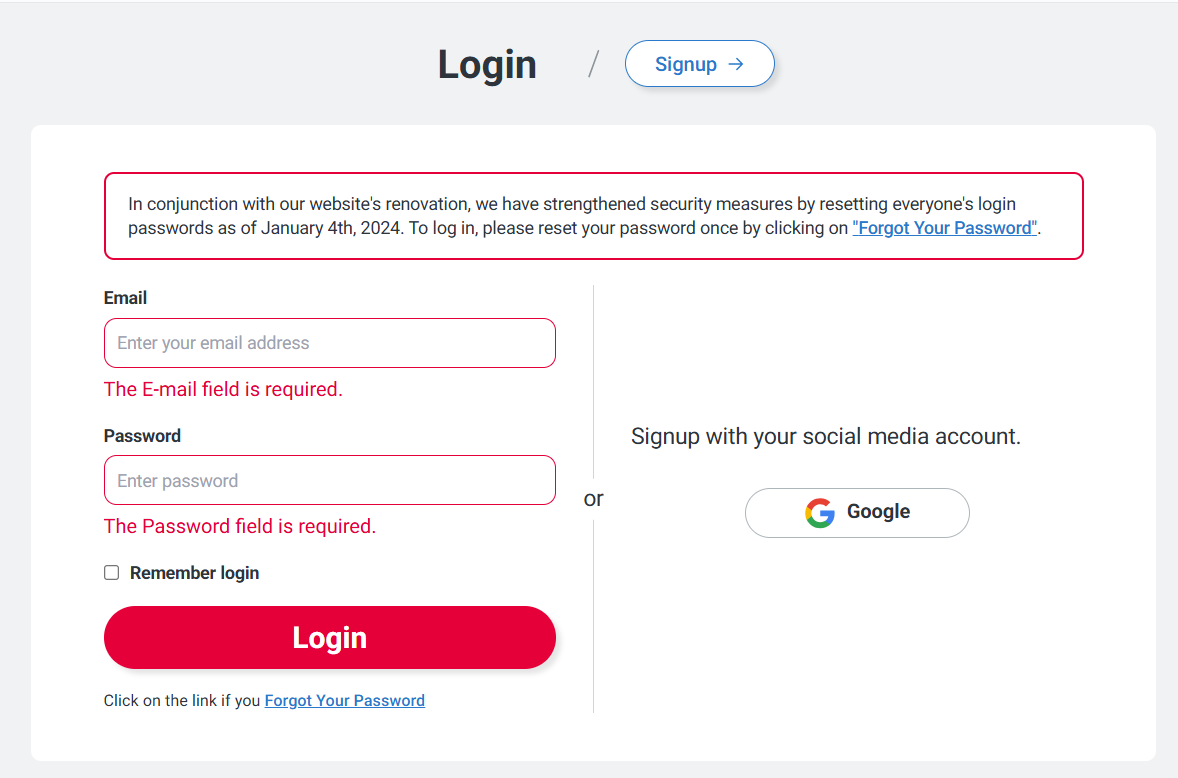
Do not create a new account.
Please log in with the account you used to make your purchase.
If you used Email: Enter your registered email address and password.
If you have a Google Account: Try clicking "Signup with your social media account".
You will see your My Page.
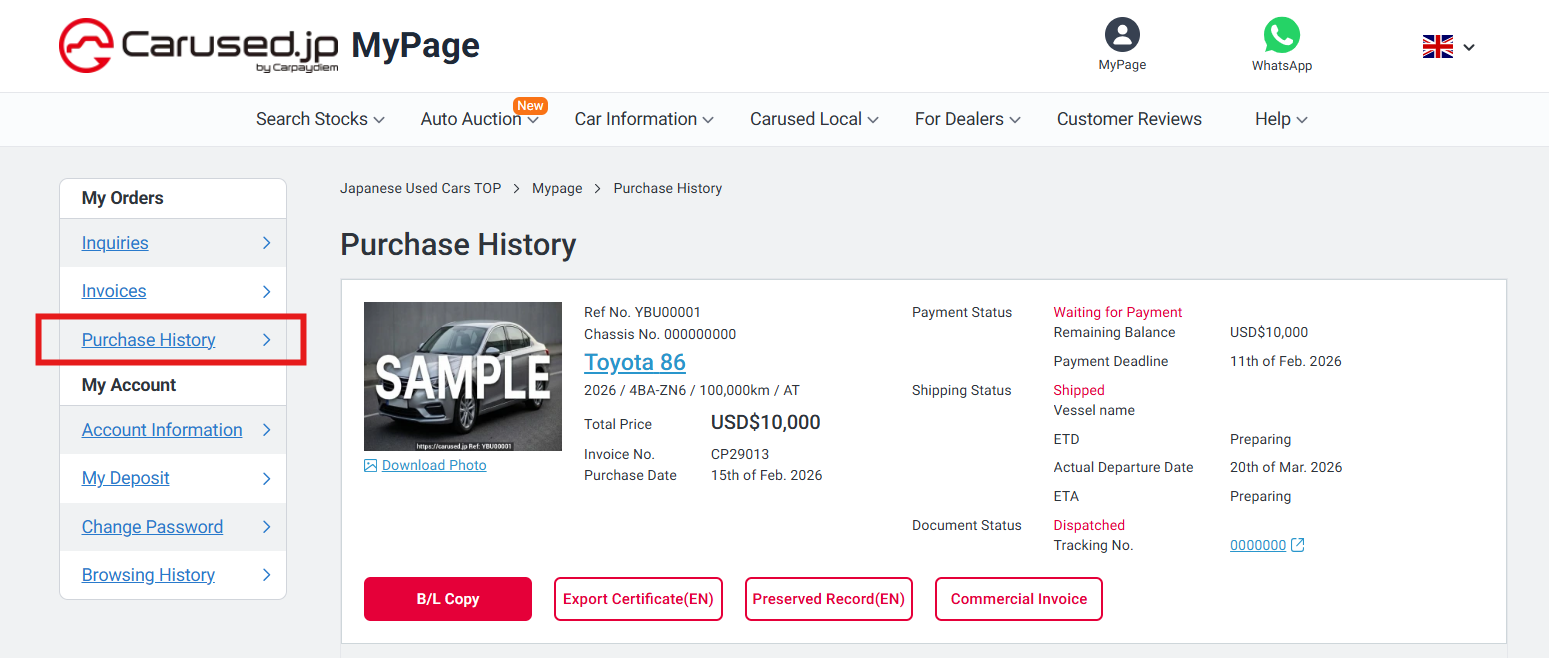
Once logged in, select "Purchase History" inside "My Orders".
This is where you will find your Payment Status, Shipping Status, and Document Status.
You can reset it yourself immediately. No need to email us.
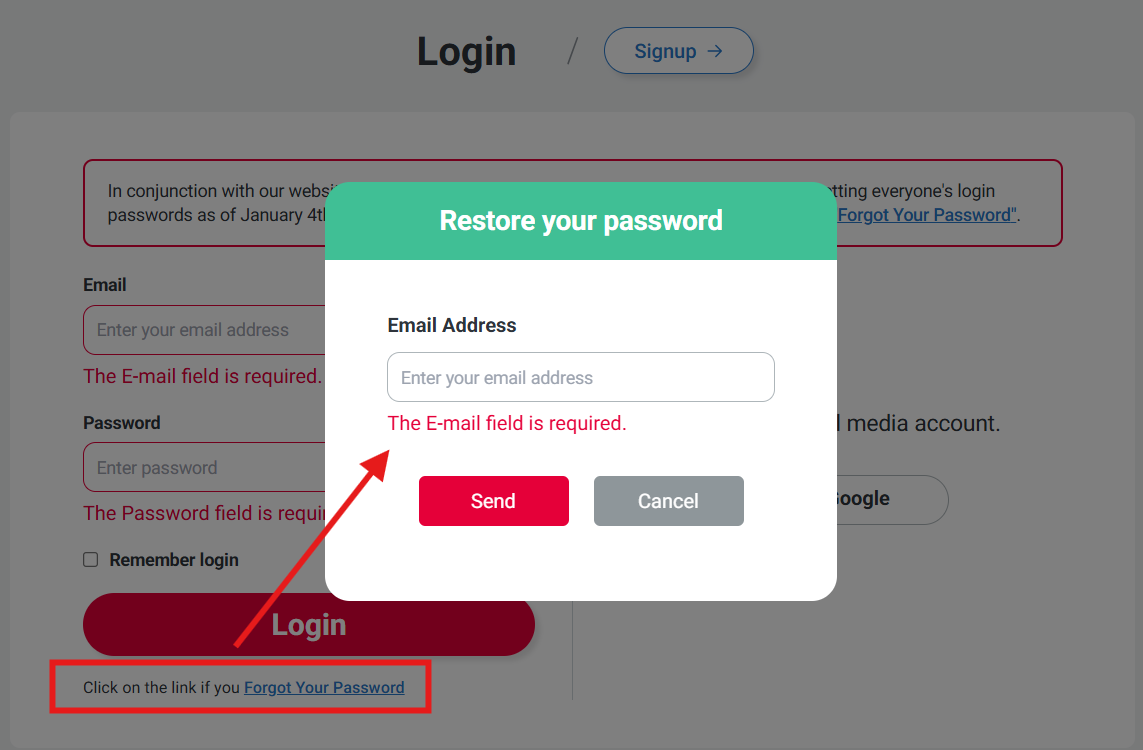
Please use the email address where you received the Invoice (Proforma Invoice) from us.
That is your registered Login ID.
If "Signup with your social media account" creates a new account (empty history), it means you originally registered with an Email/Password.
Please log out and try entering your Email and Password instead.